
 en
en  tr
tr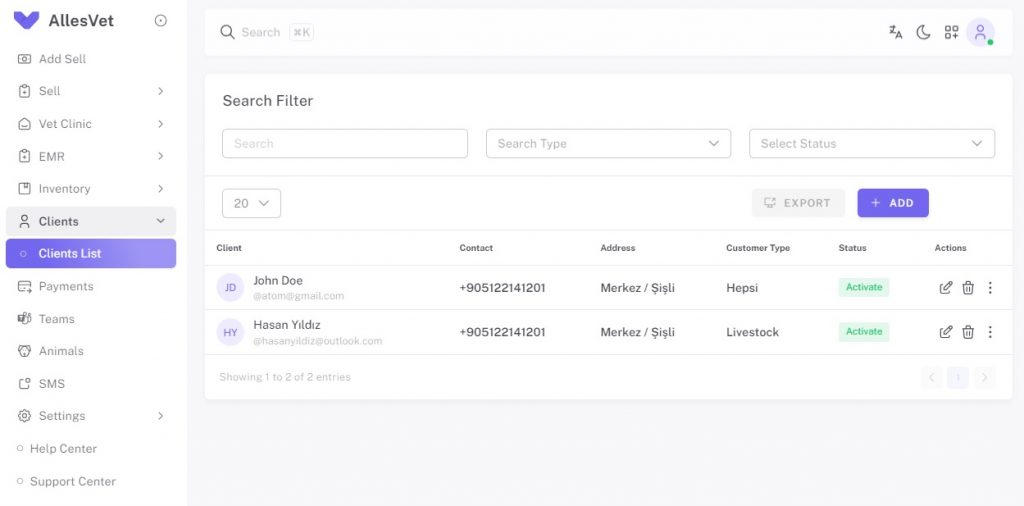
Clients
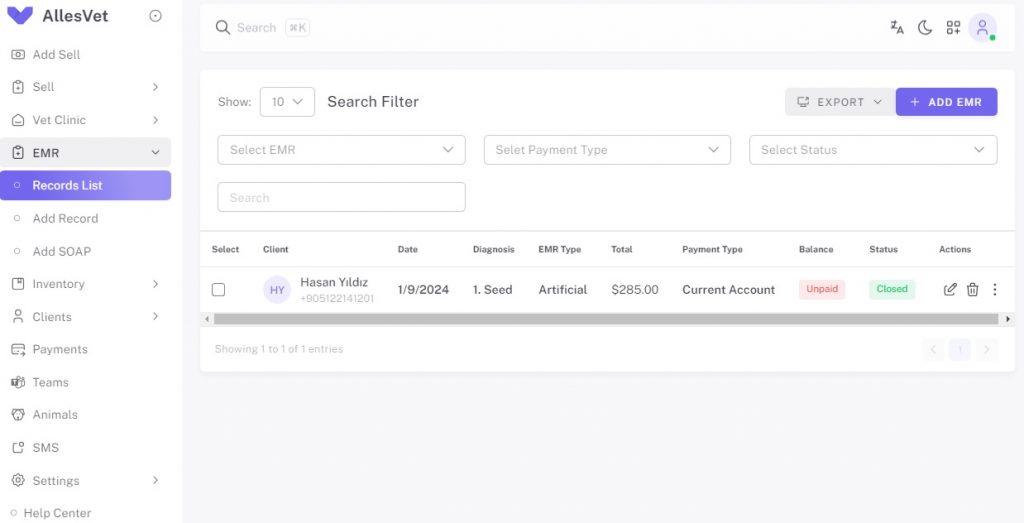
- Manage Sales and EMR Records
- Manage Payments Records
- Manage Tasks and Appointments
- Manage Animals
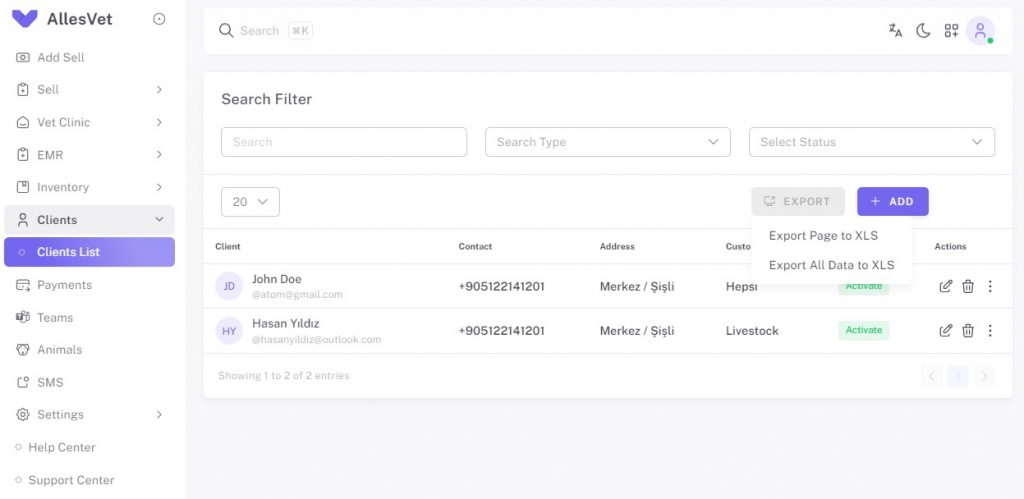
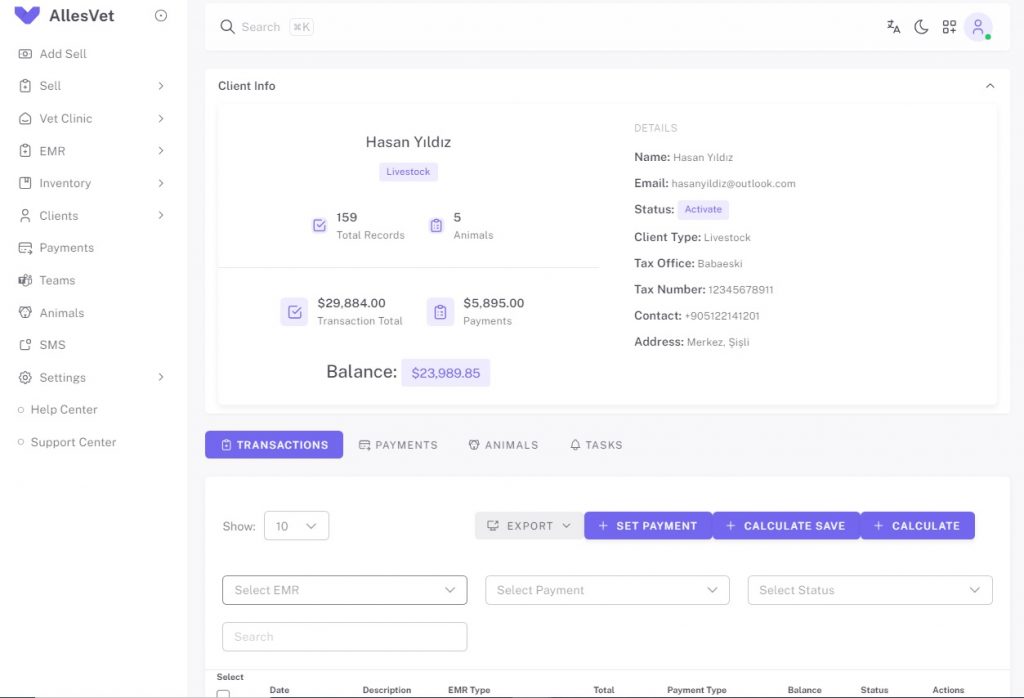
You can export your customer list in Excel format. You can edit all data of your customers and view basic data (total number of transactions, number of animals, total transaction amount, total payment amount and remaining balance). You can manage all your customer transactions with Transactions, Payments, Animals, Tasks tabs.
You can view customer records in the Transactions tab. You can add the information of the mass payment to the records you select with the Enter Payment button.
You can view the current amount of your records whose Payment Type is Current Account by calculating the Unit Price and Service Fee of the products and services. The Calculate button only performs the calculation. Calculate Save calculates and revises. The calculation is only valid for records with Payment Type "Current Account".
You can export it to Excel format with the Export button, print it with the Report option, and save it in PDF format.
You can manage and view your customer's payments in the Payments tab.
You can manage and view your customer's animals in the Animals tab. You can also view the Detail page by clicking on the Animal Name row. Note: In the new version, animal height and weight tracking will also be added.
In the Tasks tab, you can manage and view your customer's tasks and appointments. You can also access the SMS sending panel by clicking on the icon in the last column.
You can view customer records in the Transactions tab. You can add the information of the mass payment to the records you select with the Enter Payment button.
You can view the current amount of your records whose Payment Type is Current Account by calculating the Unit Price and Service Fee of the products and services. The Calculate button only performs the calculation. Calculate Save calculates and revises. The calculation is only valid for records with Payment Type "Current Account".
You can export it to Excel format with the Export button, print it with the Report option, and save it in PDF format.
You can manage and view your customer's payments in the Payments tab.
You can manage and view your customer's animals in the Animals tab. You can also view the Detail page by clicking on the Animal Name row. Note: In the new version, animal height and weight tracking will also be added.
In the Tasks tab, you can manage and view your customer's tasks and appointments. You can also access the SMS sending panel by clicking on the icon in the last column.